Recording
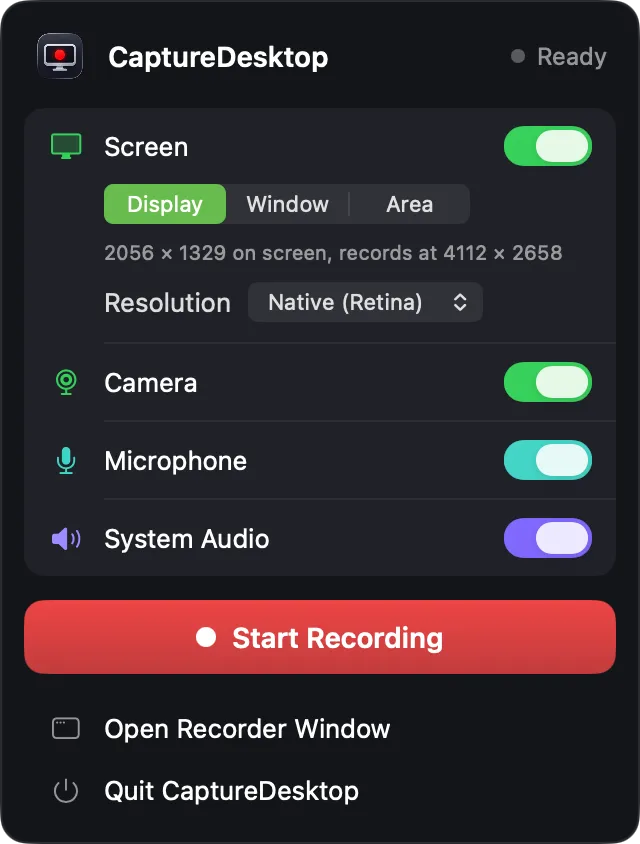
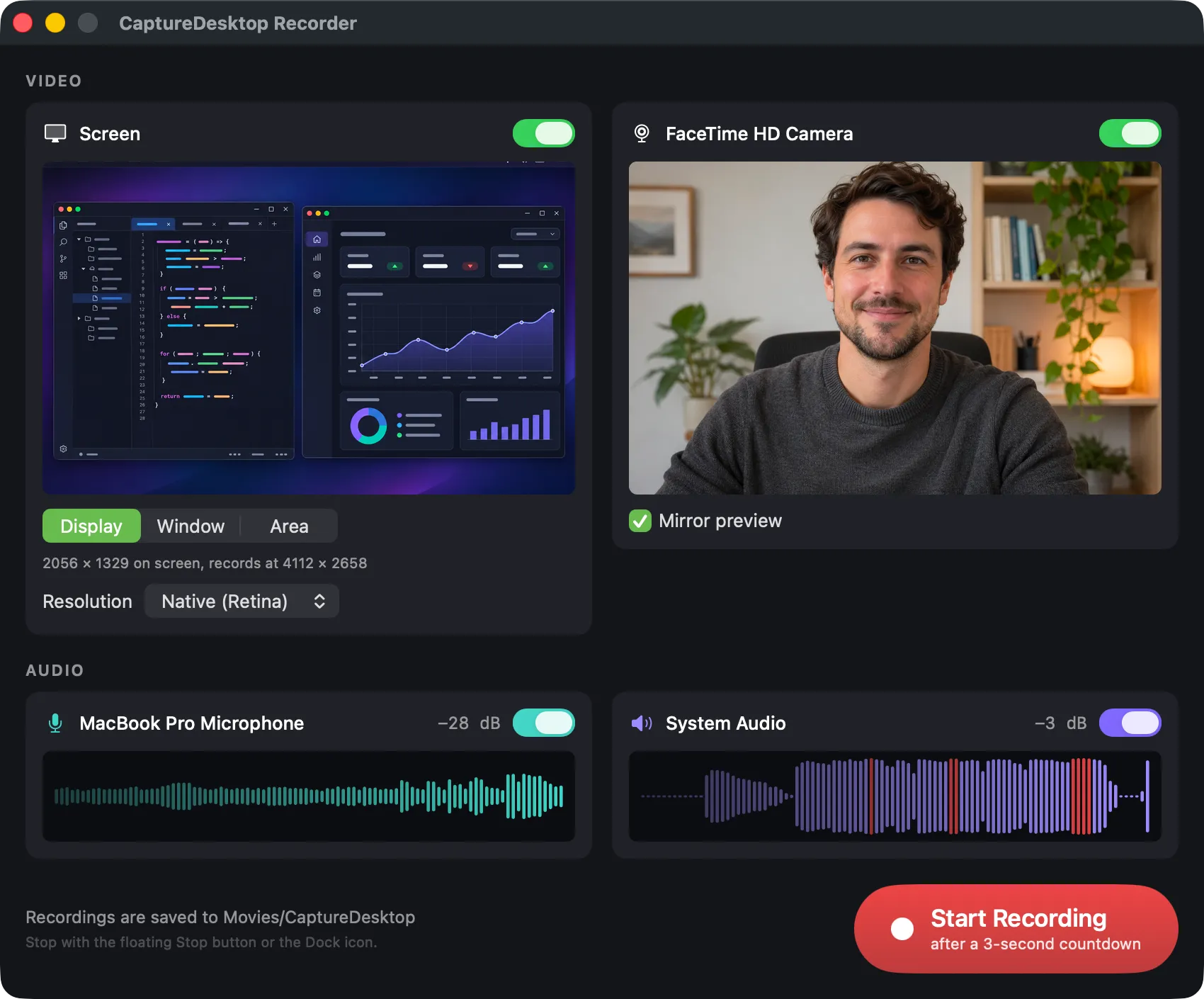
- Record a whole display (choose which one when several are connected), a single window, or a selected area.
- Area selection by dragging, or presets: 1280×720, 1920×1080, 1080×1080 square, 1080×1920 vertical. A red outline marks the area and never appears in the video.
- Native (Retina) or Standard (1x) resolution.
- Camera, microphone and system audio, each with its own switch.
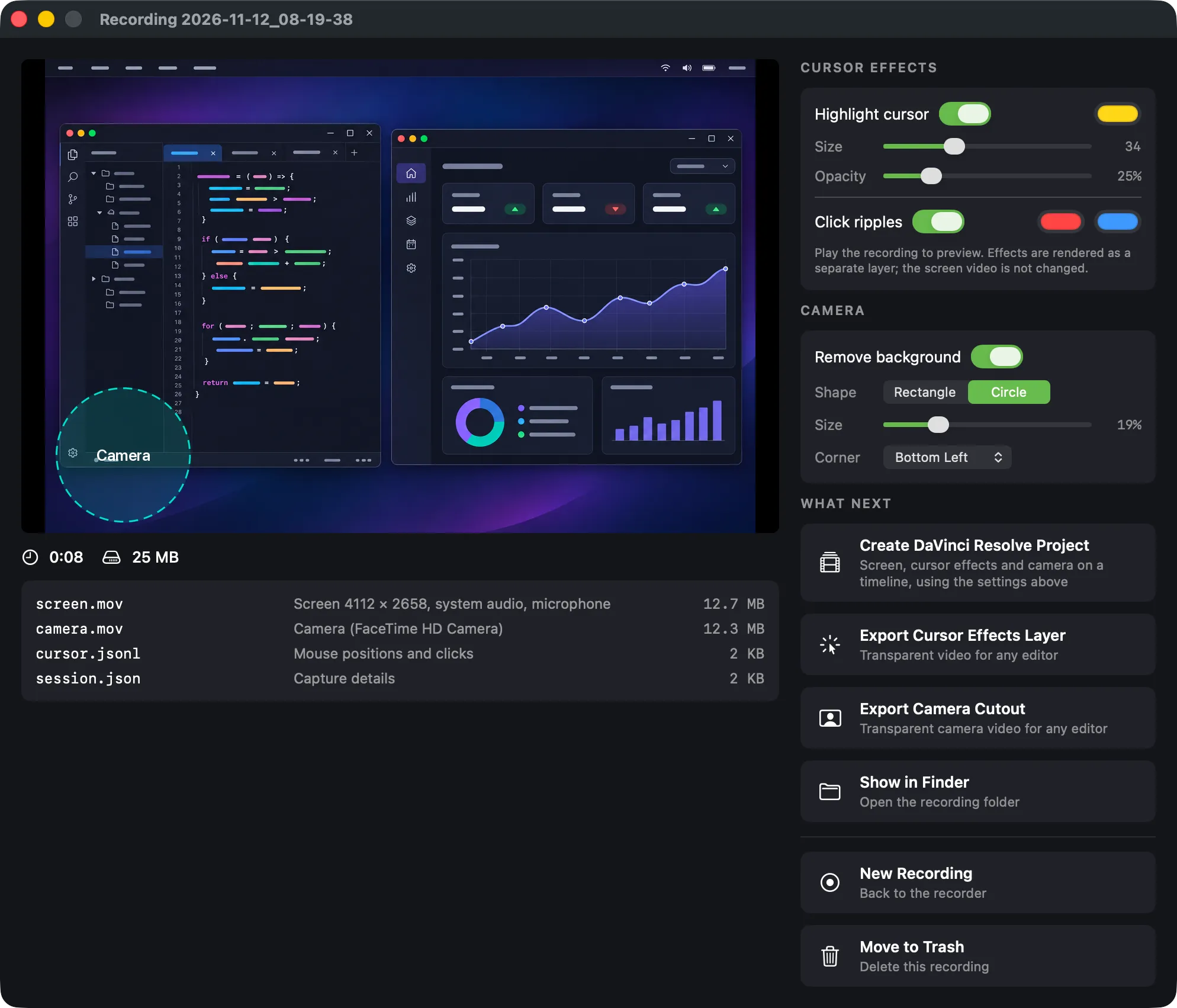
- Every source is kept separate: the screen file carries system audio and microphone as two separate audio tracks; the camera is its own file.
- Constant frame rate HEVC video (30 fps by default), Rec. 709.
- Uncompressed 24-bit 48 kHz audio, gapless.
- The screen, audio and camera files start at the same instant and carry timecode, so layers line up on a timeline.
- The app's own windows (timer, outline, countdown) are excluded from the recording.